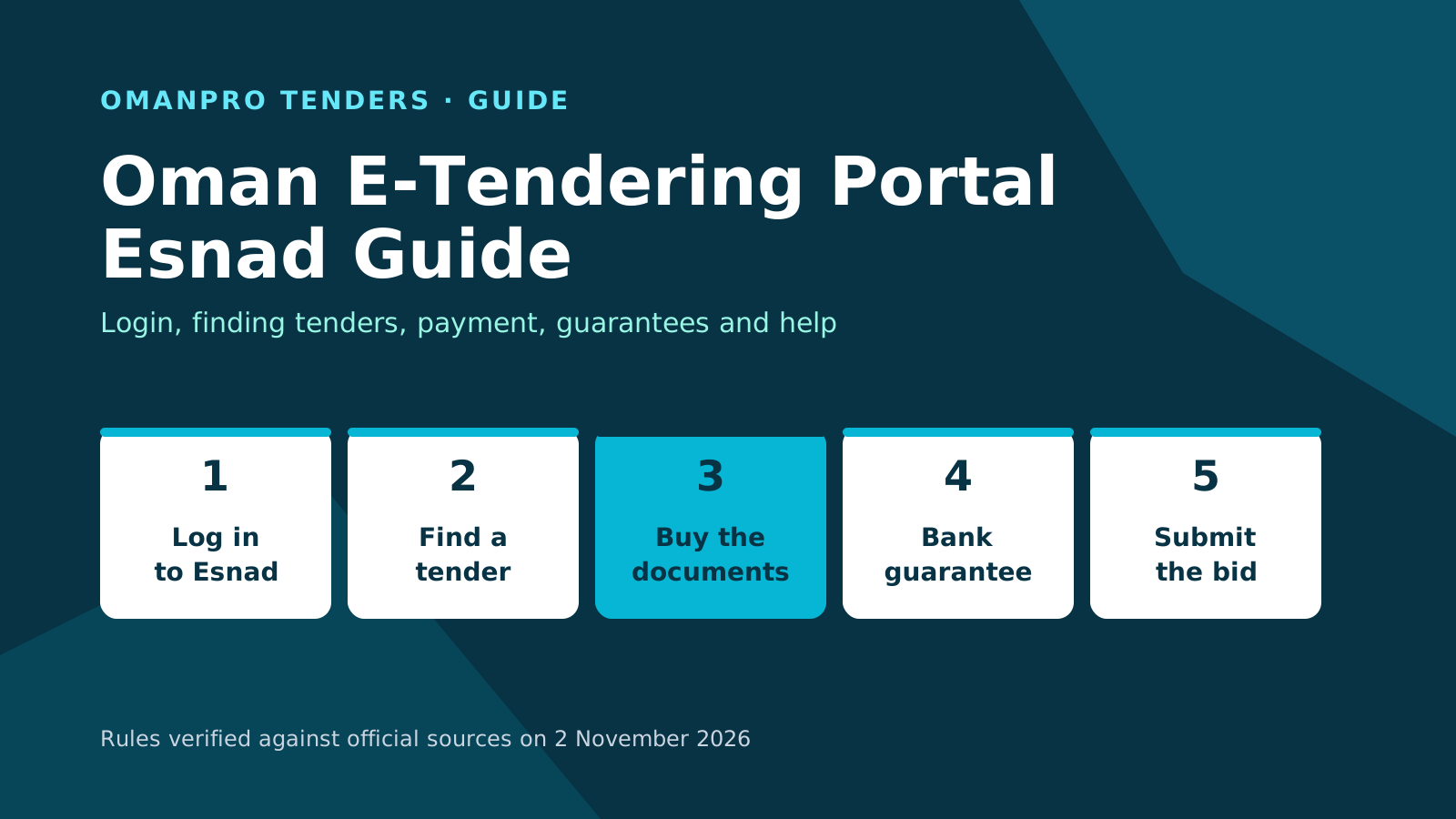
The Oman e-tendering portal is Esnad at etendering.tenderboard.gov.om, run by the Projects, Tenders and Local Content Authority. Your registered company logs in to see tenders that match its fields and grade, buys the tender documents, then submits its bid using a separate bid password. Opening results are published electronically immediately after opening. Start with the public list, then use your account and the tender notice to proceed.
What you can see without logging in
The Esnad public portal shows dashboard counts for floated, open, awarded and cancelled tenders and registered companies, split into local, international and SME categories. The Authority's website also links directly to floated and awarded tenders on Esnad.
For each floated tender, the public list shows the entity, category, tender type, accepted grades, document sales end date and bid closing date. After opening, the tender moves to the in-process list with an opening date. Its opening status report lists the bids.
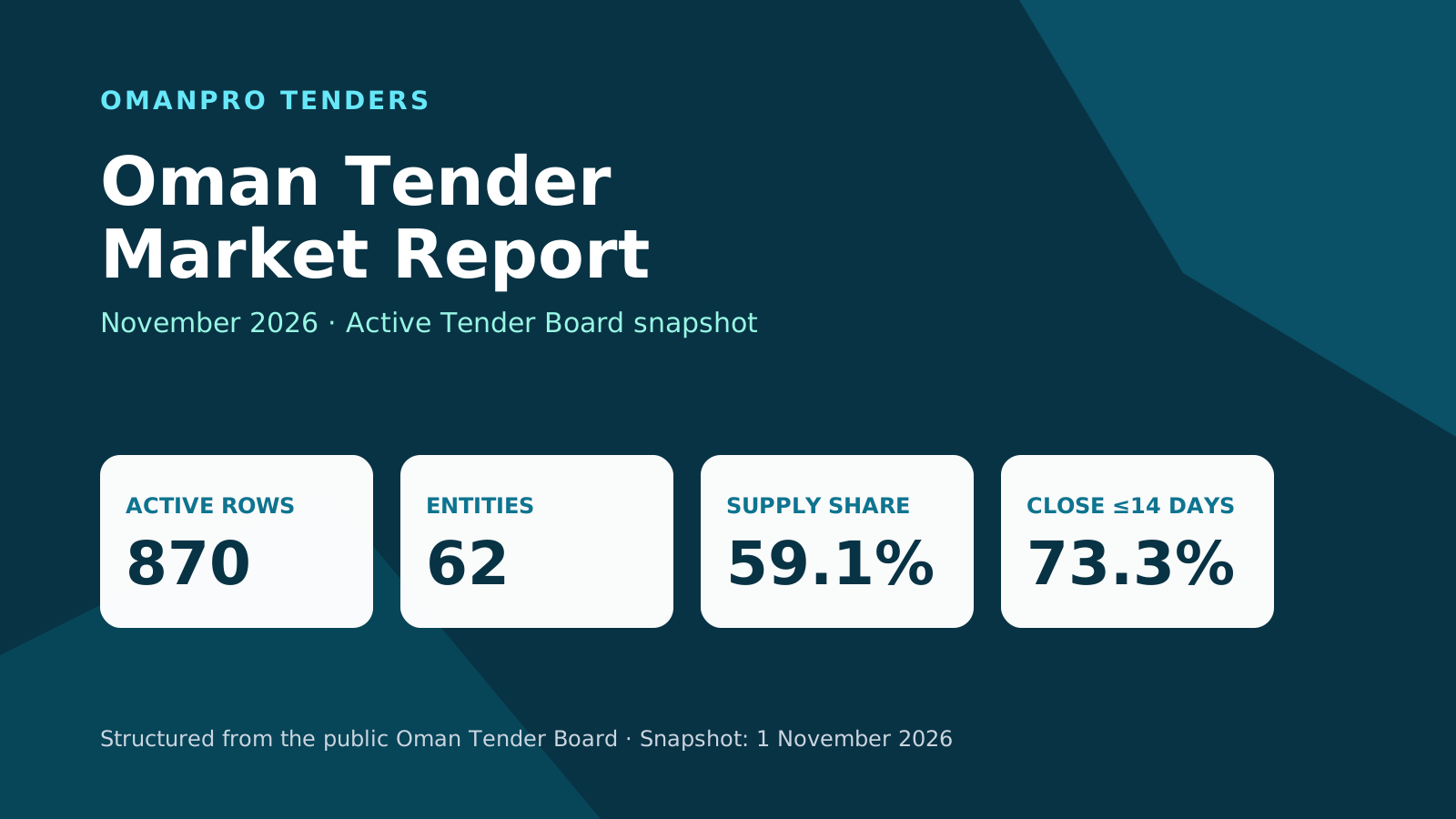
In the 1 November 2026 hub snapshot, 354 of 870 open tenders closed within 7 days.
Before you start
Esnad lists compatibility with Google Chrome, Internet Explorer, Firefox and Safari. Its home page also links to the eSnad mobile app on Google Play and the App Store.
Check the home page for maintenance notices. As an example of a past notice, e-tendering services were unavailable on 29 October 2026 from 15:15 to 16:45. Check the notices for the period when you plan to use the portal.
Log in and manage your two passwords
Log in with your user code and password. The home page also offers "Login With PKI", "New registration" and "Forgot password". A new account receives its user code, challenge phrase and password by email, and you must set a new password at first login.
Your login password is separate from the password for submitting bids. You create the bid submission password during the terms and conditions stage of registration.
To reset a password, follow the company registration user guide:
- Choose "Forgot password", enter your user code and send the request.
- Choose whether to reset the login password or the bid submission password.
- Choose reset by registered email and submit.
- Receive the new password by email. After logging in, use "Change password" to set your own new password.
If your company is not registered yet, read how to register in Oman Tender Board.
Find tenders in your account
Use the search in the new tenders table on your company page. According to the Esnad FAQ, a tender appears only when your main field, sub-field and grade match, its type matches, and document sales have not ended. The types include local, SME and practice tenders.
If a tender appears publicly but is missing from your account, compare those conditions with your registration. Check the document sales deadline separately from the bid closing date. A later closing date does not mean documents remain on sale.
Browse this week's tenders, and use the contractor classification guide to understand grades. Confirm the accepted grades in the tender's public listing.
Buy documents and pay
The tender notice must state the document price and where to obtain the documents, the bid submission date, bid validity and required guarantees. Documents are issued after you pay their price. Follow the portal screens and your tender notice to buy them before the listed document sales end date.
The registration user guide describes electronic payment by bank card using the card number, expiry date and security code. Follow the payment instructions shown on Esnad. If you have paid a fee but the system still asks for payment, the FAQ says to click "Verify" to complete the payment.
Keep the question and amendment deadlines in view:
- Questions must reach the Board or the entity at least 21 days before the bid submission date.
- Changes to the documents must reach all document buyers at least 15 days before that date.
Bank guarantees and bid submission
To change an electronic bank guarantee amount, submit a new request to the bank through the system, or amend the request when the bank returns it to you. The FAQ says you cannot cancel a guarantee while it is attached to a bid, before opening, or until the tender is awarded and the system steps are complete.
Check each tender's notice and listing to see whether a bid bond is required and how much. Circulars 1/2023 and 1/2024 provide a bond exemption with conditions and exceptions; see how to bid on Oman government tenders. Complete, sign and stamp all documents; bids missing the full required bond or with incomplete, unsigned or unstamped documents are excluded.
Follow the bidding screens on Esnad and the instructions in the tender notice. Submit by the stated bid closing deadline. No bid or amendment received after the time set for opening the envelopes is considered. Opening results are published electronically immediately after opening.
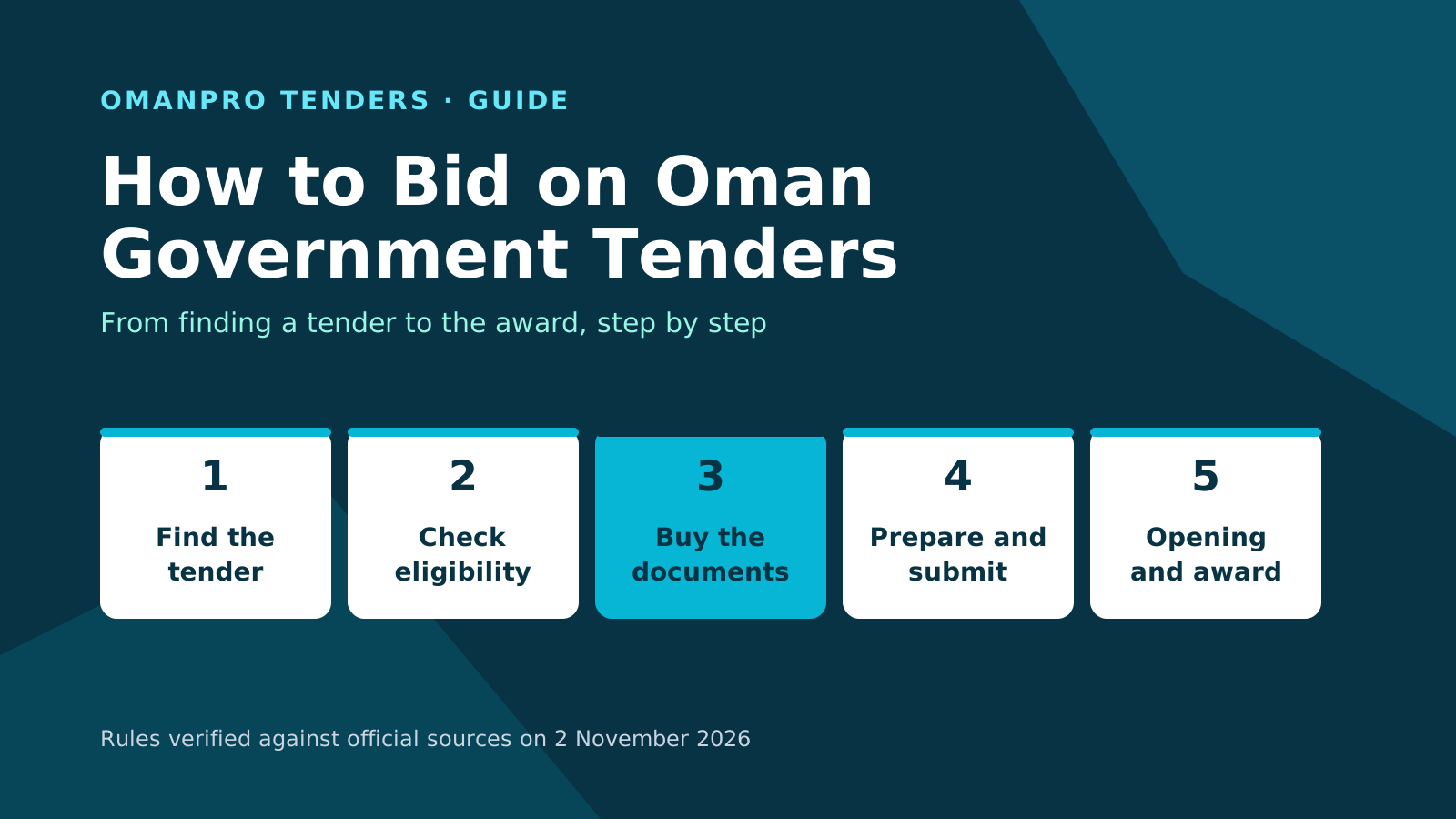
Read how to bid on Oman government tenders for the bidding rules in depth.
Keep your account current
Update your phone number and email in the commercial register at the Ministry of Commerce, Industry and Investment Promotion. After renewing an expired commercial registration there, log in to Esnad and click "Updated expiry date".
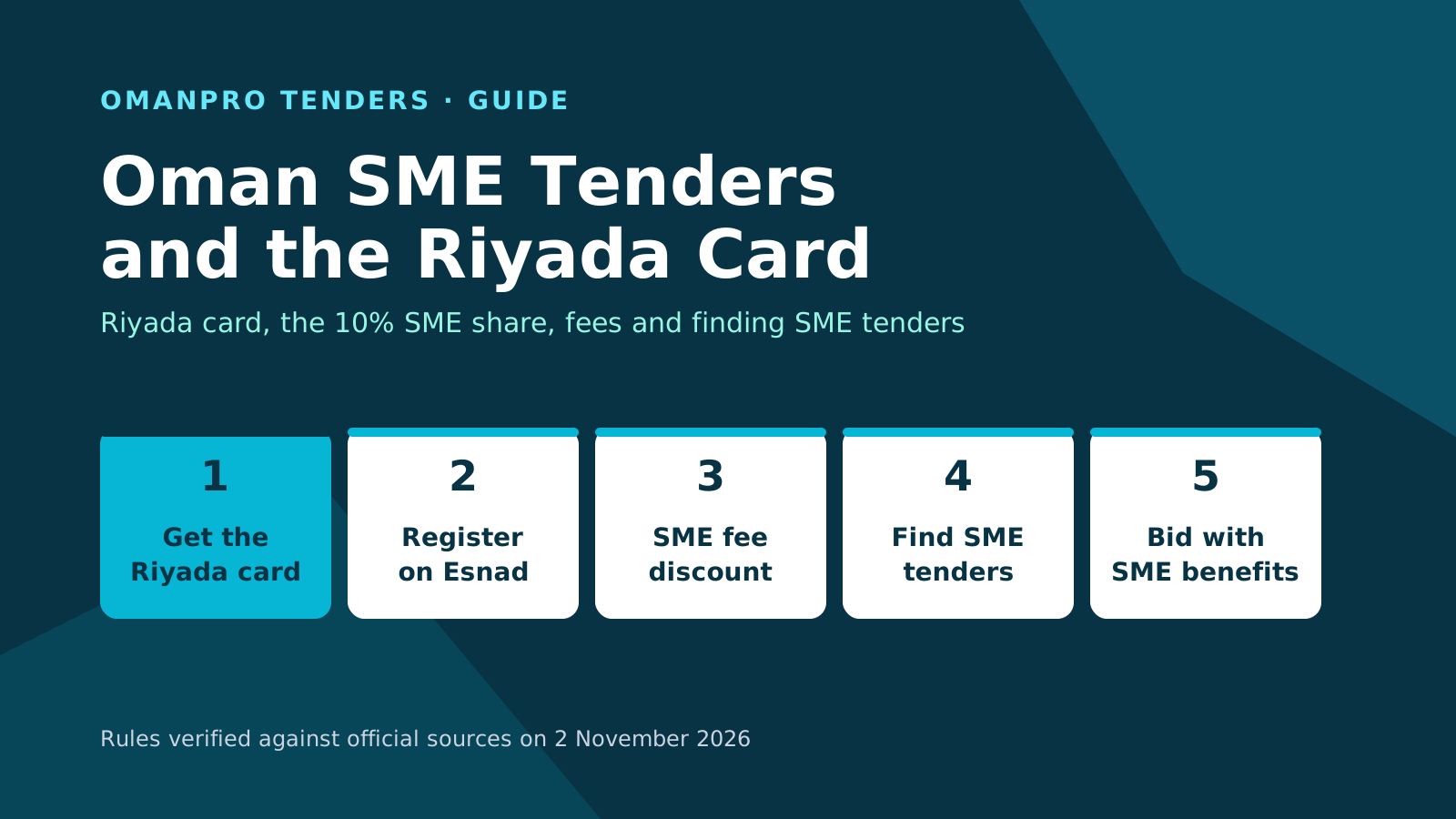
After renewing your Riyada card with the SME Development Authority, click "Verify SME", then "Save". To print your registration certificate, log in, choose "Register/Renew", then "Print certificate".
If your previous classification disappears while you apply for a new field, the FAQ says the previous field may have been deleted during the application. Check that possibility when reviewing your file.
For registration and renewal, see the Esnad registration guide.
Get help
Use the Tajawob platform for company registration and tendering inquiries, suggestions and complaints. The Esnad home page carries the notice directing users to it.
Contact the e-tendering helpdesk on (+968) 24402244 or at [email protected].
Check your tender match
Start with the tender match check for your company, then confirm the requirements and deadlines in the official tender notice.
For wider market context, read the Oman tender market report.
Sources
The sources below were verified on 2 November 2026:
- Oman Tender Board e-tendering portal, Esnad: public home page and dashboard.
- Esnad public tender lists and per-tender reports.
- Esnad company registration user guide.
- Authority FAQ on Esnad.
- Authority electronic services: floated and awarded tenders in Esnad.
- Tender Law issued by Royal Decree 36/2008, consolidated edition published by the Authority in 2020.
- Executive Regulation of the Tender Law, Tender Board Decision 29/2010.
- Tender Board Circular 1/2023 on exemption from the bid bond.
- Tender Board Circular 1/2024 extending the bid bond exemption.
- Royal Decree 57/2025 renaming the Secretariat General of the Tender Board.
OmanPro is independent of the official authorities; the official texts prevail.