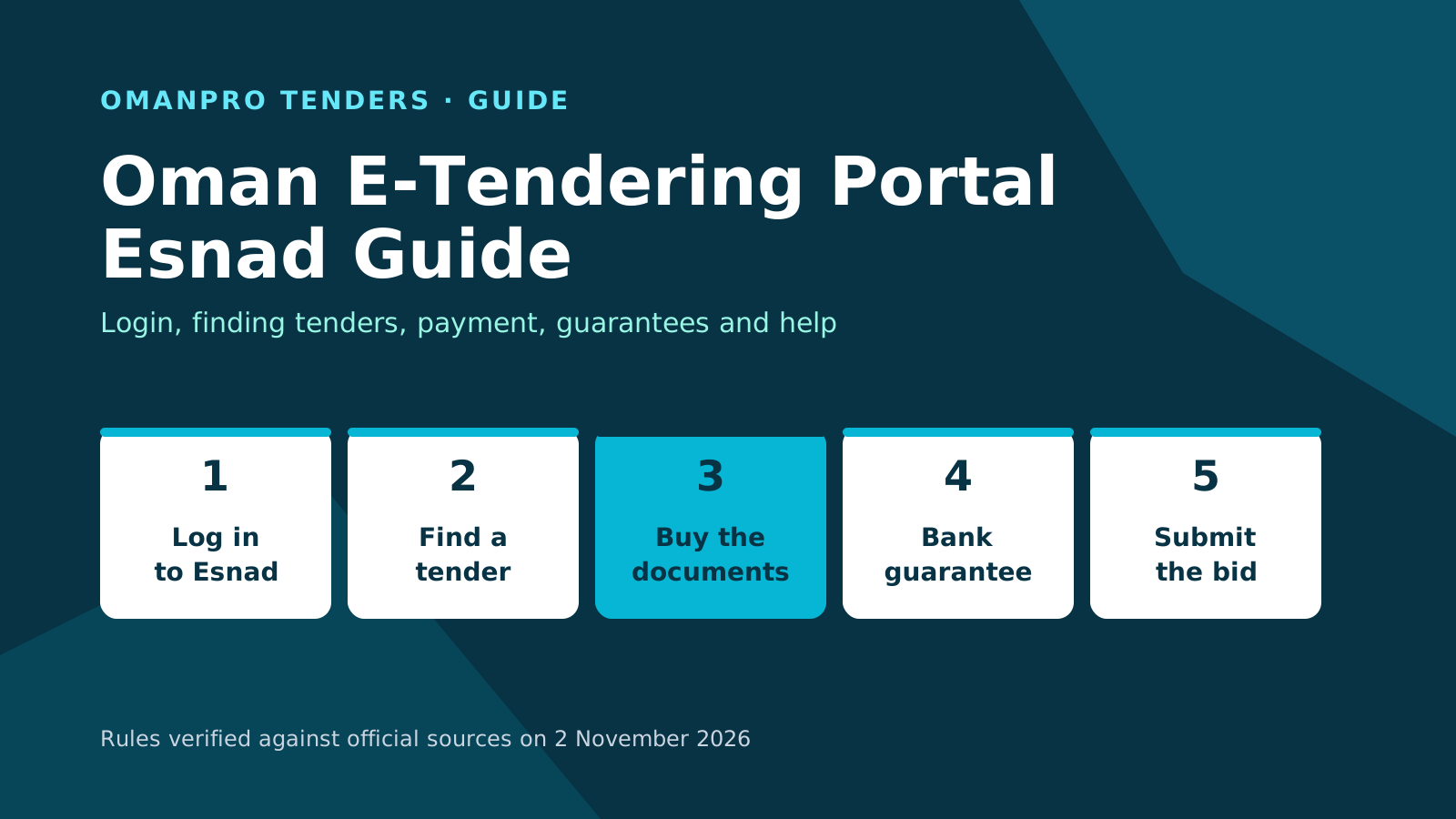
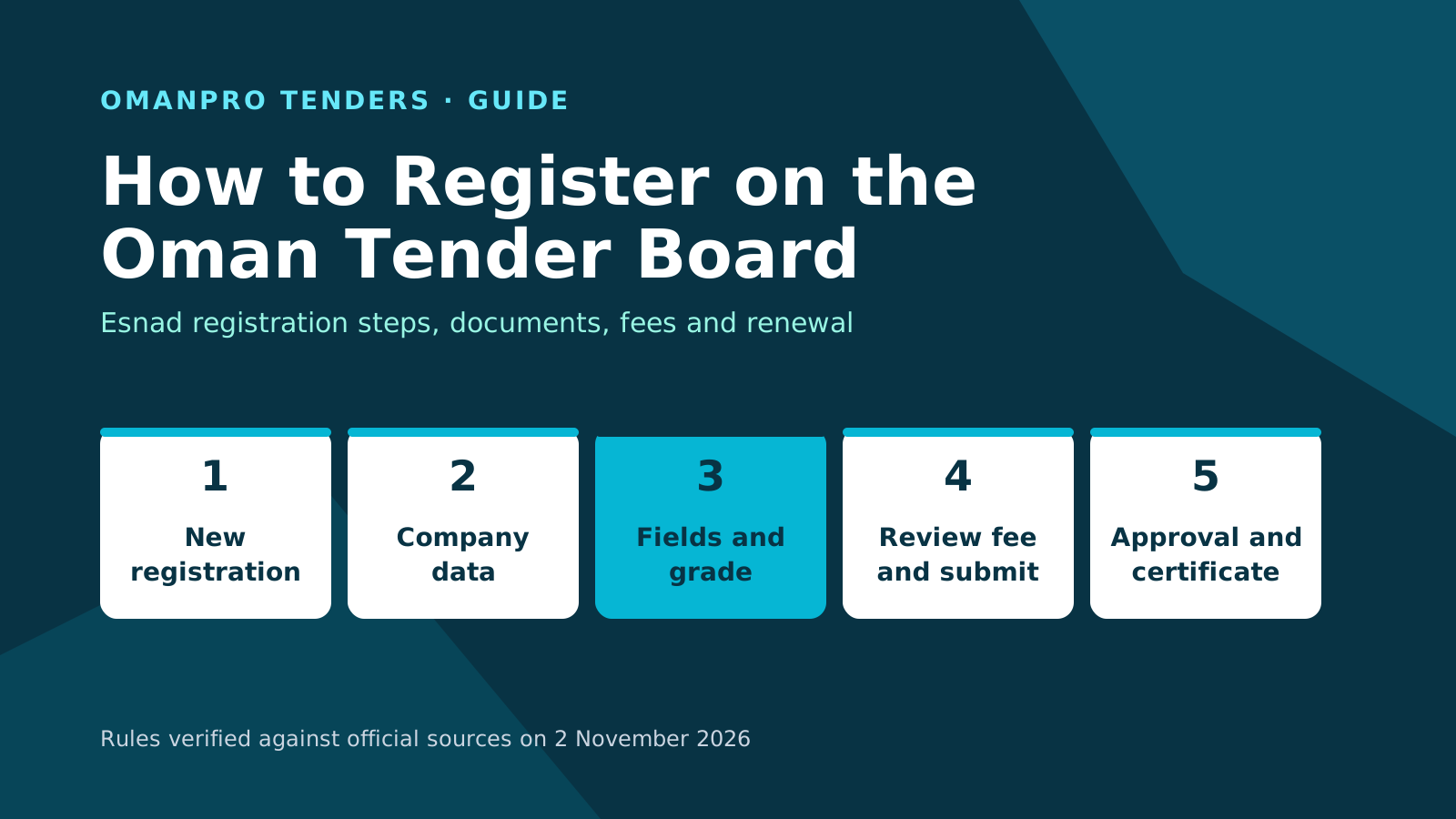
To register in Oman Tender Board, register your company on Esnad, the Tender Board e-tendering portal run by the Projects, Tenders and Local Content Authority. Create your account with your commercial registration number, complete the company data, and choose your fields and grade. Pay the review fee and submit the file. After approval, pay the registration fee and choose a certificate valid for 1 to 5 years.
Why registration matters
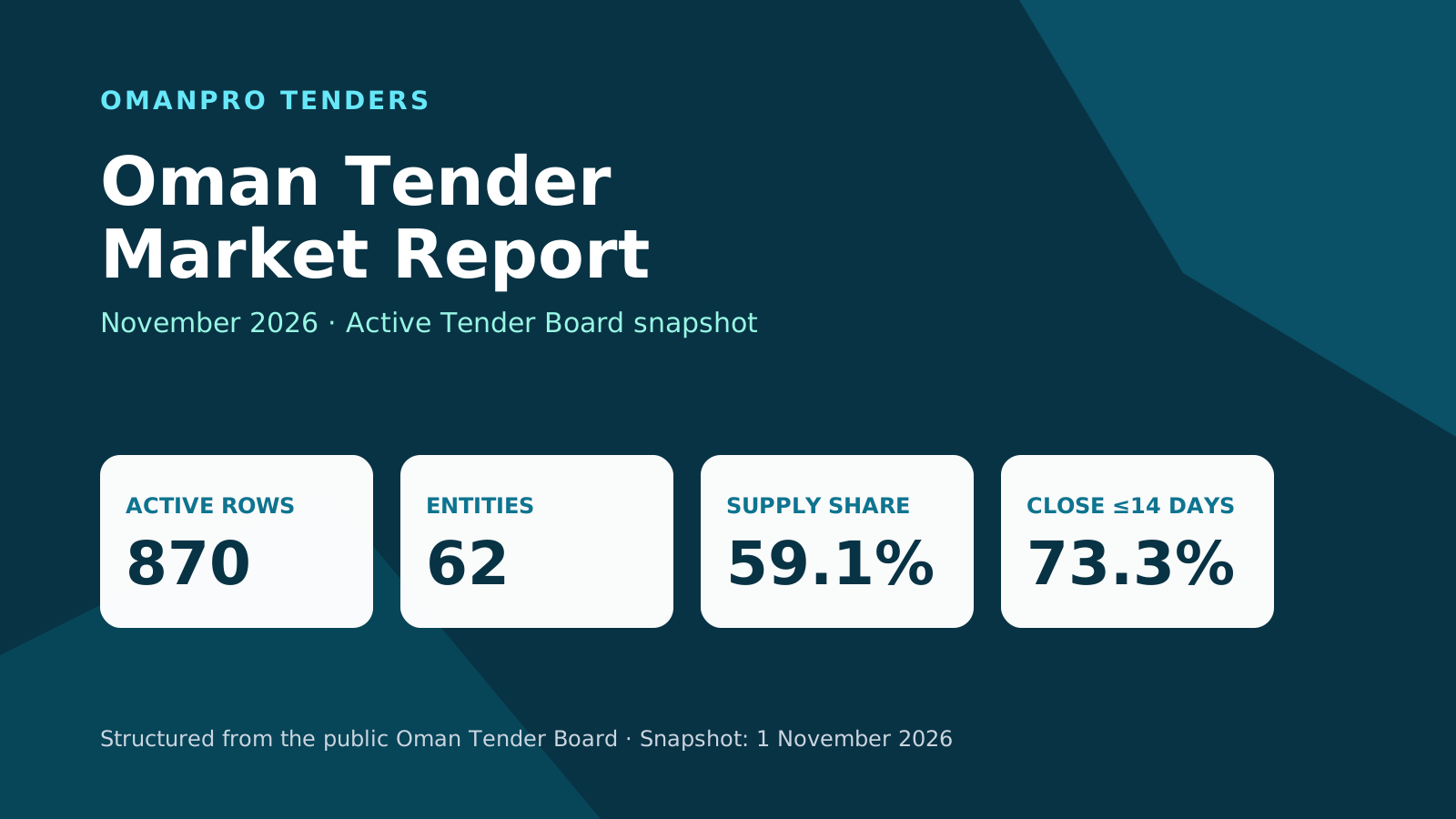
You must complete registration on Esnad to compete for government tenders. The classification certificate allows you to compete in government project and procurement tenders, but you cannot participate until the fees are paid. The government service page spells the platform's name "Isnad". You can browse the Oman tender index while preparing. In the 1 November 2026 hub snapshot, 365 tenders had been published in the previous 7 days.
Documents to prepare
The Esnad registration page lists documents by category:
- Supplies, services and general services: membership certificate and tax card.
- Consultancy: the above, plus technical staff attachments.
- Contracting: the membership certificate and tax card, plus technical staff attachments, practical experience and financial solvency.
- Fourth grade: the page lists the membership certificate only.
The classification and registration regulation gives a separate application list: a commercial registration valid for at least 60 days, an Oman Chamber of Commerce and Industry membership certificate except for individual professional licence holders, a valid municipal licence, a tax certificate, licences from competent authorities if any, and the application fee.
Confirm the document list for your activity on Esnad, including any special-case requirements. The category summary and the regulation present different views of the requirements. Your company must also have its own email address and pledge that the submitted data is accurate.
Register on Esnad step by step
The company registration guide describes this process:
- Open Esnad and choose "New registration". Select the local company or sole proprietor path and enter your commercial registration number. International companies select the international company path and enter their international registration number; foreign companies should confirm their requirements on the portal.
- Check the Arabic and English company names, registered phone number and email address loaded from the commercial register. Complete the remaining data.
- Create a user code. The email you receive contains that code, a challenge phrase and a password. On first login, enter the password and challenge phrase as requested, set a new password, then log in again.
- Follow the link to complete registration. Work through general company data, activities and fields, field information, other registration information, and terms and conditions.
- In general data, enter the Chamber registration and tax certificate expiry dates. Attach updated copies of both certificates.
- Choose the activities you want to register. Only active, licensed activities in your commercial register appear. State whether you have previous experience in them and choose the grade.
- Complete the remaining registration information. In terms and conditions, create the password for submitting bids and accept the terms.
- Submit the file and review all data. Pay the application review fee electronically by bank card when prompted, then click "Submit file" to confirm submission.
Confirm any screen labels or steps not described here on the portal.
Choose your fields and grade
Choose from the active, licensed activities shown for your commercial registration. For supply or services, follow your Chamber grade. For contracting or consultancy, follow the grade conditions in the registration appendices. Your requested grade must not exceed your company's registration grade with the Oman Chamber of Commerce and Industry.
For contracting or consultancy, attach experience and previous-project details and technical staff data. Technical staff must be registered with the Ministry of Labour under the same company. Their data loads automatically from the engineer's civil number.
Read the contractor classification guide for grade conditions. You can also browse Fourth-grade tenders.
Review, approval and registration payment
Submission does not mean approval. The registration team reviews your file and returns it if data is missing. Update and resend it. When the data is correct and meets the requirements, the team approves it and refers you to pay the registration fees. A sole proprietor, or an SME holding a Riyada card, registered at Fourth grade receives automatic approval without waiting for the team's review.
The regulation requires a decision within 15 working days of a complete application. No decision within that period counts as a refusal. Separately, the Esnad service page states an average processing time of 15 days from review of the application.
After approval, go through "Register/Renew" and "Update profile". Choose a certificate validity of 1 to 5 years, pay electronically and submit the file. Pay the fees within 30 days of the acceptance notice or the application is cancelled automatically. You cannot take part in a tender floated in the system until the fees are paid.
Fees and the SME discount
The Esnad page lists application fees of OMR 10 for Excellent, First and Second grades and OMR 5 for Third and Fourth. One-year registration fees are OMR 200 for Excellent, OMR 150 for First, OMR 75 for Second, and OMR 50 each for Third and Fourth. Read the full fee table in the classification guide and confirm current amounts on Esnad before paying.
SMEs receive a 50% discount on registration fees. If the full fee appears, log in, open your account and follow "Register/Renew" and "Update profile" to select the SME option. If linking with the SME Authority fails, check that your entrepreneur certificate is valid, or contact 24402244 or the SME Authority. Browse the SME tender hub for that part of the market.
Renewal and changes
The regulation permits renewal requests up to 60 days before expiry. The Esnad renewal page asks for the request one month before expiry. Confirm the applicable submission timing on the portal. The system and your registered email notify you of the registration category approaching expiry.
Renewal takes you through the registration pages again: general data, activities and fields, field information, and other information. Update the Chamber registration and tax certificate expiry dates and attach updated copies. Pay the review fee before submission and the certificate fee after approval.
You may request a higher or lower grade in the same field after 90 days from classification if you meet the new grade's conditions. Esnad's electronic services also include certificate renewal and printing, adding a field or sub-field, upgrading or downgrading, updating data and resetting the password. Confirm the current steps on Esnad.
Get help
Contact the e-tendering helpdesk on (+968) 24402244 or at [email protected].
Next step: bidding
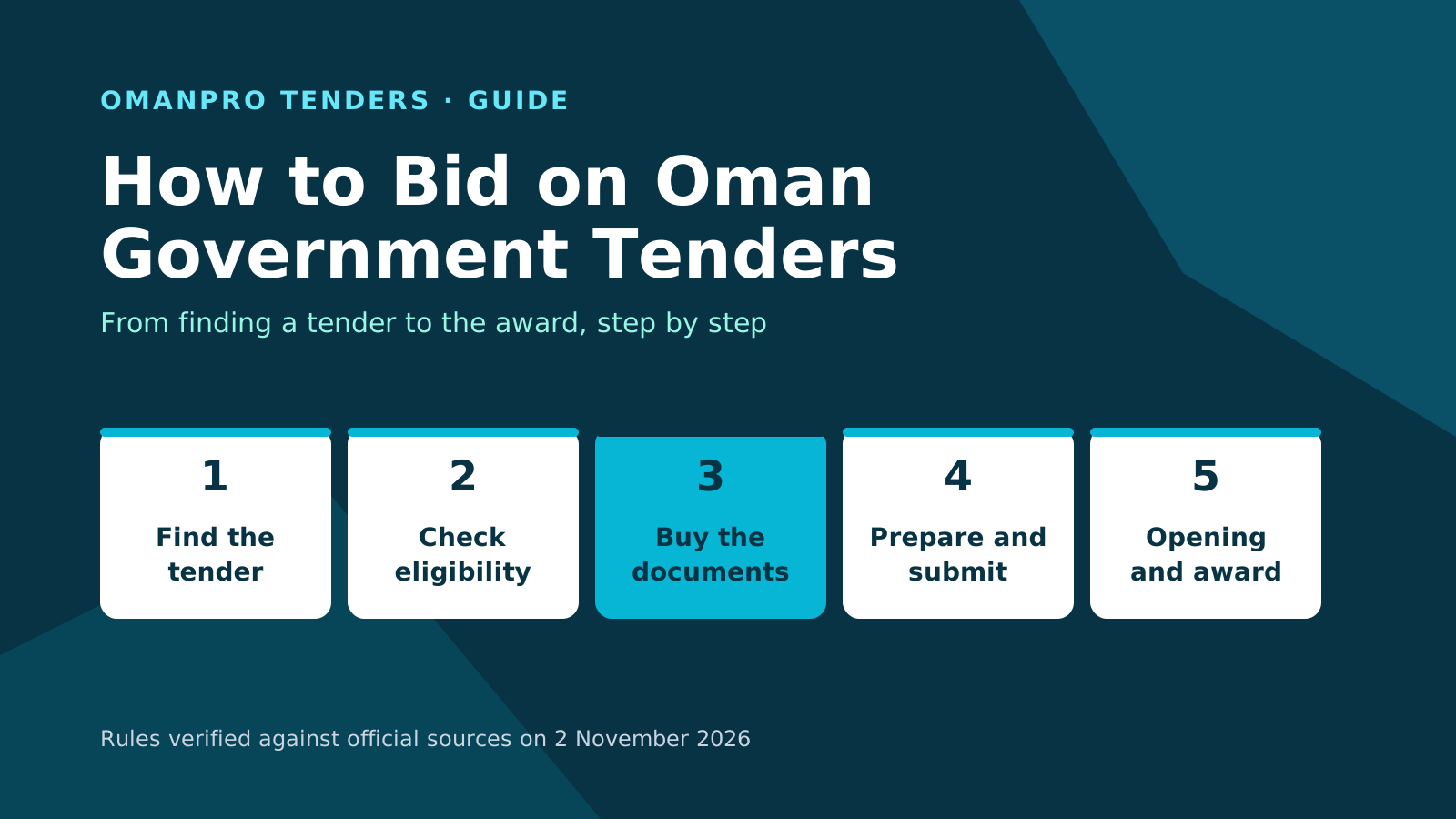
Once registration is complete and the fees are paid, read how to bid on Oman government tenders for the next stage.
Check your tender match
Start with the tender match check for your company.
For wider market context, read the Oman tender market report.
Sources
The sources below were verified on 2 November 2026:
- Esnad user registration service: conditions, documents, processing time and fees.
- Esnad registration certificate renewal service.
- Esnad company registration user guide.
- Esnad registration certificate renewal user guide.
- Tender Board Decision 104/2022: classification and registration regulation.
- Classification appendices 1 to 5.
- Authority FAQ on Esnad.
- Esnad electronic services list.
- gov.om: Isnad, the first electronic interface for government tenders.
- Royal Decree 57/2025 renaming the Secretariat General of the Tender Board.
- Oman Tender Board e-tendering portal, Esnad.
OmanPro is independent of the official authorities; the official texts prevail.